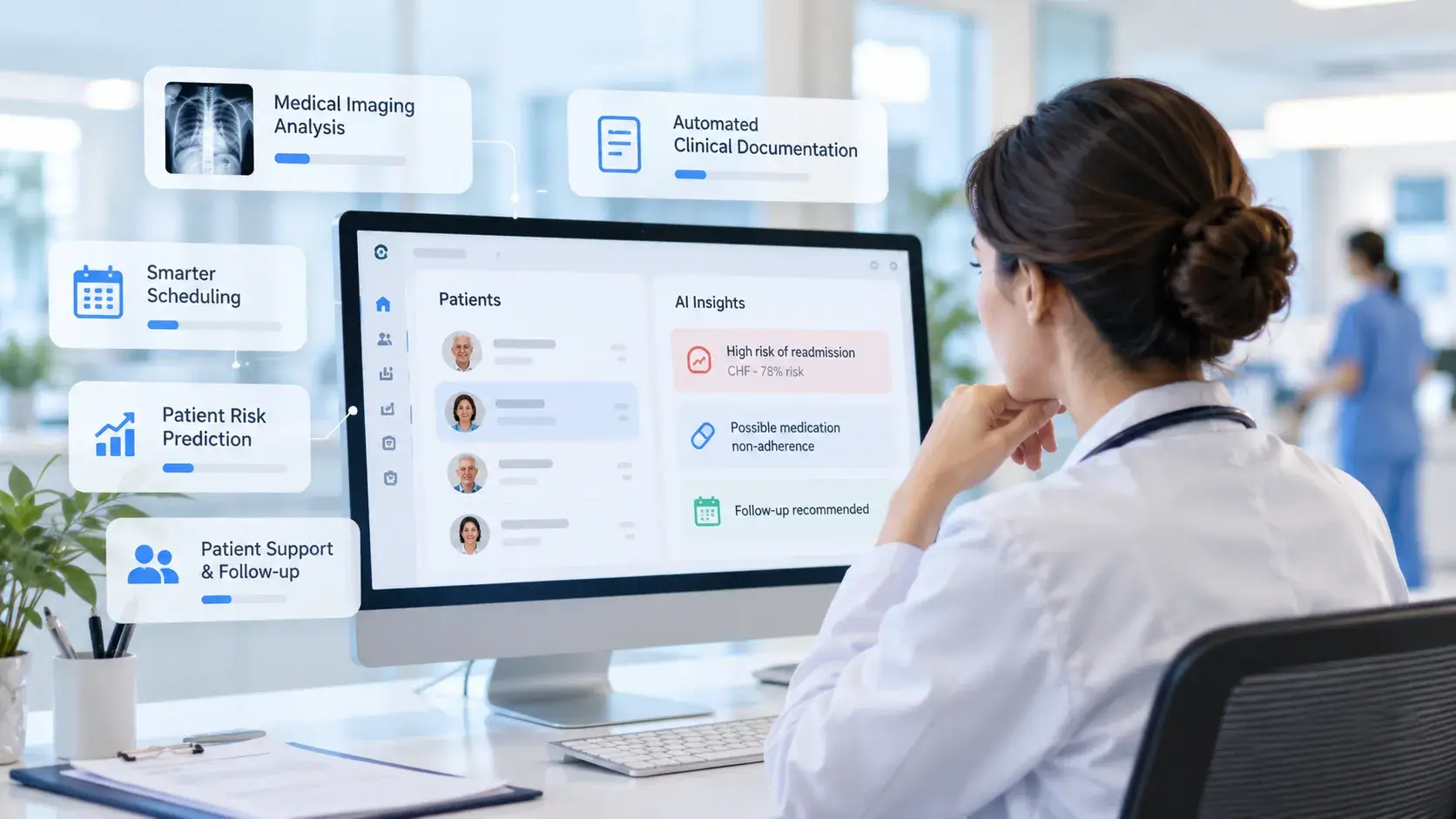
As businesses enter 2026, manually processing thousands of documents such as invoices, contracts, and claims every day remains a major operational challenge that consumes significant resources across global enterprises. To address this bottleneck, AI-powered Automated Document Processing (ADP) has become an essential trend. This strategic solution enables businesses to significantly reduce costs and increase processing speed by up to ten times.
1. What is automated document processing?
Automated Document Processing (ADP) is an approach that uses software, AI, and algorithms to automatically capture, classify, extract, validate, and integrate data from multiple document sources. Instead of relying on employees to enter data manually, the system processes documents directly and converts fragmented information into standardized data for operations and analytics.
In practice, an ADP system can ingest PDFs, emails, scanned images, invoices, and contracts, then transform unstructured content into structured, searchable, and immediately usable data. ADP typically combines OCR for character recognition, machine learning for document understanding, and RPA to transfer data into enterprise systems and reduce repetitive manual tasks.
_2026-09-09-17-20-20-086.webp)
AI-powered document processing automation
2. How does document processing work?
At their core, Automated Document Processing (ADP) systems are not standalone tools. They are positioned as comprehensive enterprise applications or solutions designed to automate complete business workflows. An ADP system establishes an end-to-end workflow by tightly integrating core technologies such as OCR, machine learning, and RPA. The process works as follows:
Collection: The workflow begins by collecting documents from scanned paper files, PDFs, emails, electronic forms, or business systems. Each input file is digitized, assigned a source record, and given a consistent identifier. This prevents documents from becoming fragmented or being overlooked before they move to the preprocessing stage.
Preprocessing: Once collected, documents are preprocessed to improve image quality before OCR is applied. The system corrects skew, rotates pages to the proper orientation, removes noise, enhances contrast, and crops unnecessary areas. Clear and consistent input significantly reduces the risk of character recognition errors in the next stage.
Classification: Machine learning models analyze the layout, keywords, and content of the cleaned documents to classify them as invoices, contracts, purchase orders, or other document types. The classification result determines which extraction model and storage rules should be applied. More accurate routing leads to more reliable extracted data.
Extraction: After the document type has been identified, OCR reads printed, typed, or handwritten text, while AI detects the required fields, such as names, dates, invoice numbers, total amounts, and line-item tables. The extracted information is then normalized according to a common schema instead of remaining as isolated text, creating consistent input for the validation stage.
Validation: The system checks each extracted field against business rules and relationships between data values. Missing, invalid, or low-confidence fields are flagged for human review. Only data that meets the required criteria is approved and transferred to the target system, helping prevent errors from spreading across downstream processes.
Integration: Once validated, the structured data is transferred through APIs, connectors, or RPA bots to ERP, CRM, document management systems, or data warehouses. Businesses can then automatically create accounts payable records, update customer profiles, or trigger approval workflows. The original documents and processing logs are retained for traceability and auditing.
_2026-09-09-17-20-20-653.webp)
How automated document processing tools work
3. Benefits of automated document processing
Automated Document Processing helps enterprises improve processing speed, accuracy, and document control. Its key benefits include:
Hyper-efficiency and better user experience: ADP shortens the entire workflow, from document intake and data extraction to system updates, significantly reducing waiting times. Near-instant results also create a smoother user experience because users do not need to re-enter the same information. For example, Microsoft reported that DTI Group reduced average processing time to 2.5 seconds per page and cut the time required for each loan application by 80%.
Higher accuracy: ADP extracts data fields and applies validation rules consistently, reducing errors caused by incorrect entries or missing information. Fields with low confidence scores can still be routed to human reviewers. In OneAssure’s case, Google Cloud reported that extraction accuracy increased from 95% to 98%. This means that for every 100 data fields, the number of potentially incorrect extractions fell from approximately five to two, representing a 60% reduction in errors.
Lower operational costs and risks: ADP removes employees from repetitive data-entry tasks while retaining human-in-the-loop review for exceptions. This helps reduce operating costs and lowers the risk of disruption caused by staffing shortages. At Thermo Fisher Scientific, the solution reduced processing time by 70%, enabled 53% of invoices to be processed without human intervention, and significantly reduced the workload of eight employees who had previously managed around 824,000 invoices per year.
Better compliance and audit trails: In regulated industries, enterprises must be able to demonstrate who handled the data, which rules were applied, and what changes were made. ADP records the original document, validation results, approver details, and timestamps in a complete audit trail. In Tenthpin’s AWS-based implementation, the system reduced certificate verification time by 95%, achieved nearly 100% comparison accuracy, and integrated audit logging capabilities.
Scalability: ADP separates processing volume from the number of data-entry employees required. Workloads can run in parallel and scale automatically, while staff focus only on exceptions. This allows enterprises to handle seasonal peaks without increasing headcount at the same rate. Staple AI, for example, uses Google Cloud to support customers processing up to 50 million documents annually, with 98% document-level accuracy and more than 99.999% accuracy for data inference.
_2026-09-09-17-20-21-058.webp)
Benefits of automated document processing
4. Automated document processing examples by industry
Automated Document Processing can be adapted to the specific document types and workflows of each industry. Below are some common applications in logistics and supply chain, healthcare, finance, and human resources.
4.1. Logistics & Supply chain example
In logistics and supply chain operations, Automated Document Processing connects data across transportation, delivery, customs clearance, procurement, reconciliation, and payment workflows. Common applications include:
Bill of lading: ADP extracts shipper, consignee, shipment, container number, and route information from bills of lading. This data is used to create shipment records, reconcile them with bookings, and support shipment tracking through a transportation management system.
Delivery note: When goods are delivered, ADP captures order numbers, item details, quantities, and delivery times from delivery notes. This information extends the shipment record, supports proof-of-delivery confirmation, updates inventory, and helps identify shortages or incorrect deliveries.
Customs document: For import and export operations, ADP extracts HS codes, country of origin, declared value, and party information from customs documents. The data can then be cross-checked against the bill of lading and commercial invoice to identify inconsistencies before customs clearance is completed.
Purchase order: During procurement, ADP transfers supplier details, SKUs, quantities, unit prices, and delivery deadlines from purchase orders into the ERP system. By linking procurement data with shipping records, enterprises can track delivery progress and identify orders that have not been fully fulfilled.
Invoice: At the final stage of the workflow, ADP captures line items, taxes, total amounts, freight charges, and additional fees from invoices. Each invoice is matched with the corresponding purchase order and delivery note to determine the amount payable and flag duplicate or inconsistent records.
TMA case studies
Speeding up Logistics Process with RPA in Logistics Data Process: TMA developed a solution using Microsoft Power Automate combined with AI and OCR to recognize multiple document formats and extract shipment information, arrival dates, and container numbers. The system automatically updates data, sends reports to logistics staff, and operates around the clock. As a result, processing time was reduced by up to 90%, from several hours to only a few minutes.
Invoice Data Process: In another project, TMA used Microsoft Power Automate and AI-powered OCR to process invoices for a logistics system. The solution extracts seller, buyer, and order information even when documents are skewed or resized, then transfers the data into the existing application without requiring employees to re-enter it manually.
_2026-09-09-17-20-21-202.webp)
Automating logistics invoice processing with AI/OCR
4.2. Healthcare example
In healthcare, Automated Document Processing connects the documents generated throughout the patient care journey, from prescriptions and laboratory testing to medical record management, discharge, and insurance claims. Common applications include:
Prescription: The treatment process often begins with a prescription, from which ADP captures the medication name, strength, dosage, frequency, and duration of use. The data is transferred to the EHR and pharmacy systems, supporting prescription verification, medication preparation, and tracking of the patient’s medication history.
Lab report: In addition to prescription data, ADP transfers test names, results, units of measurement, reference ranges, and specimen collection times from laboratory reports into the EHR. When linked to the correct patient and test order, these results help physicians monitor the patient’s condition and identify abnormal values.
Medical record: Data from prescriptions, laboratory reports, and other treatment documents is consolidated into the medical record. ADP organizes information on medical history, diagnoses, medications, and procedures into a unified record, allowing physicians to review the patient’s treatment journey and coordinate care across specialties.
Discharge paper: Based on the completed medical record, ADP captures diagnoses, procedures, discharge medications, care instructions, and follow-up schedules from discharge documents. This information supports handover to the receiving care provider and helps maintain continuity of care after the patient leaves the hospital.
Insurance form: At the end of the treatment journey, ADP extracts policyholder details, policy numbers, medical services, and costs from insurance forms. The data is linked with the medical record, laboratory reports, and discharge documents to complete the claim and identify any missing documentation before submission.
TMA case studies
Apply OCR in Healthcare Solutions to Automate Data Collection: At the data collection stage, TMA developed an OCR solution that captures blood pressure, blood glucose, body temperature, and data from more than 30 types of medical devices, prescriptions, and body analysis reports. The solution has been deployed by remote health monitoring providers, clinics, pharmacies, and nursing homes in Vietnam.
FHIR Transformation Service: Using digitized data, TMA applies NLP to extract demographic information, diagnoses, and treatment details from PDFs, physician notes, and emails. The data is converted into FHIR resources, combined with HL7 v2, CDA, and DICOM data, and then made available for clinical reports, dashboards, and analytics systems.
_2026-09-09-17-20-21-239.webp)
Standardizing healthcare data with FHIR
4.3. Finance example
In finance, Automated Document Processing connects data across the entire workflow, from loan application intake and customer verification to financial assessment, payment processing, and compliance reporting. Common applications include:
Loan application: ADP extracts borrower details, loan information, income, collateral, and the intended use of funds from loan applications. This information is linked with KYC documents and bank statements to complete the credit assessment file, identify missing fields, and update the lending system.
KYC documents: As part of the loan application process, ADP cross-checks names, dates of birth, addresses, and identification numbers across identity documents, proof of address, and KYC forms. Any inconsistencies or expired documents are flagged for review before an account is opened or a loan is approved.
Bank statements: Once the customer’s identity has been verified, ADP consolidates account balances, income, expenses, debt obligations, and transaction history from bank statements. This data helps financial institutions assess repayment capacity, verify sources of funds, and identify transactions that require further review.
Invoices: In internal finance operations, ADP captures supplier details, invoice numbers, line items, taxes, total amounts, and payment due dates. The data is matched with purchase orders and goods receipts to determine the amount payable and flag duplicate or inconsistent invoices.
Compliance reports: Data from KYC records, loan applications, and transactions is ultimately consolidated into compliance reports. ADP helps populate required reporting fields, link supporting documents, and record reviewed cases, enabling compliance teams to verify files before submission to regulatory authorities.
TMA case studies
E-Invoice Collector: TMA developed a solution using Microsoft Power Automate combined with AI and OCR to monitor emails, download invoices from online platforms, extract the required data, and save files to a shared folder. The system processes printed, handwritten, and scanned invoices and reduces processing time for the finance department by 90%.
Document Intelligent Multi-Agent System (DIMS): TMA developed a Document Extraction AI Agent that captures structured data from contracts, forms, invoices, and other complex documents. The system supports both scanned and digital files, detects errors, and transfers data into ERP, CRM, or custom systems, making it suitable for high-volume financial operations.
_2026-09-09-17-20-21-395.webp)
Automating invoice collection with AI/OCR
4.4. Human resources example
In human resources, Automated Document Processing connects data across recruitment, employee onboarding, contract management, time tracking, and professional qualification management. Common applications include:
Resume: ADP extracts contact details, education, work experience, skills, and certifications from resumes and transfers the data into the recruitment system. This allows HR teams to compare candidate profiles with job requirements, categorize applicants, and move suitable candidates to the next stages of assessment.
ID document: When a candidate is onboarded, ADP captures the full name, date of birth, address, identification number, and expiration date from identity documents. The information is cross-checked against the application record to complete the employee profile and prepare onboarding procedures.
Employee contract: Using the employee profile, ADP updates the job title, start date, salary, probation period, and benefits specified in the employment contract. The data supports employment relationship management, synchronization with the HRIS, and monitoring of contracts approaching expiration.
Timesheet: During employment, ADP captures employee IDs, working hours, overtime, leave dates, and project codes from timesheets. The data is checked against work schedules and manager approvals before payroll processing or cost allocation.
Certificate: In addition to attendance data, ADP records the certificate name, issuing organization, issue date, and expiration date in the employee profile. HR teams can then monitor qualification requirements, identify training needs, and send renewal reminders for role-specific certifications.
TMA case study
A Recruitment Solution for Employers with Automatic CV Input: TMA developed an RPA solution combining AI-powered OCR and web automation for an Australian recruitment company, enabling it to process more than 1,000 resumes per week. The system extracts data from printed, handwritten, and complex-format CVs and enters it directly into the recruitment platform. The solution saves more than 8,000 working hours each year and helps accelerate the onboarding process.
_2026-09-09-17-20-21-462.webp)
Digitizing CVs for automated recruitment workflows
Want to apply these automated document processing examples to your business? Our AI development team is ready.
5. How to choose an automated document processing company
Enterprises should select a provider based on its ability to process real-world documents, align with existing workflows, and deliver measurable results.
Document processing skills needed for a successful project
Real-world documents may be blurred, poorly aligned, or contain complex tables and handwritten text. The vendor should therefore combine AI-powered OCR, NLP, validation rules, and human-in-the-loop review to extract data, verify results, and handle exceptions. Enterprises should request testing with their own documents and assess how the extracted data will be transferred into existing systems.
Evaluation checklist for document processing vendors
To avoid making decisions based on idealized demos, enterprises should conduct a proof of concept using multiple document types, including low-quality files and documents with missing information. Based on the results, they should compare field-level accuracy, straight-through processing rates, turnaround time, cost per document, and the vendor’s support model for handling errors and exceptions.
Off-the-shelf platform vs custom-built solution
To choose between an off-the-shelf platform and a custom-built solution, enterprises should first assess their document types, processing volumes, and integration requirements. The comparison below highlights the key differences to help organizations make a more informed decision:
Criteria | Off-the-Shelf ADP Platform | Custom-Built ADP Solution |
Implementation time | Fast, typically 1 to 3 weeks. | Longer, typically 2 to 4 months. |
Flexibility and customization | More rigid and limited by predefined templates and standard document formats. | Fully customizable to handle complex layouts, edge cases, and organization-specific workflows. |
Security and hosting | Depends on the vendor’s cloud infrastructure and data security policies. | Can be deployed entirely on-premises or in a private cloud to meet stricter security and compliance requirements. |
Integration capabilities | Relies mainly on standard APIs and prebuilt connectors. | Can be integrated deeply with legacy ERP and CRM systems as well as specialized internal applications. |
Best suited for | SMEs processing repetitive, standardized document formats, such as conventional invoices. | Large enterprises, banks, healthcare providers, and logistics companies that need to process high volumes of complex or industry-specific documents. |
Once these requirements have been defined, enterprises can work with TMA to test the solution using real document sets. With expertise in AI-powered OCR, NLP, RPA, and system integration, TMA supports accuracy assessment, architecture selection, and the development of an appropriate ADP workflow, from the proof-of-concept stage through scaled deployment.
_2026-09-09-17-20-21-530.webp)
Criteria for selecting the right ADP provider
TMA Solutions
Ready to automate your document workflows with AI?
TMA can help assess your document types, design the right AI/OCR/RPA pipeline and integrate it with your enterprise systems.
INVOICE
CONTRACT
ID CARD
Capture & OCR
Capture OCR Data Extraction
AI Processing
Classification Field Extraction Validation Confidence Scoring
Automation & Workflow
Enterprise Integration
ERP CRM DMS Analytics Cloud Apps
Insights & Dashboards
6. FAQs about automated document processing
1 - What is the difference between IDP and OCR?
OCR recognizes characters in images or scanned documents and converts them into searchable and editable text. However, it only digitizes the content and does not understand the role of each piece of information. For example, OCR may read an invoice but cannot independently identify the invoice number, supplier, tax amount, or total value.
IDP combines OCR with AI, NLP, and machine learning to classify documents, extract required fields, validate data, and transfer the results into business systems. OCR is therefore suitable for text digitization, while IDP is designed to automate the processing of invoices, contracts, medical records, and KYC documents.
2 - What is the difference between RPA and IDP?
RPA and IDP perform different functions within an automation workflow:
Criteria | RPA | IDP |
Role | Performs repetitive, rule-based actions | Reads, understands, and processes document content |
Suitable data | Structured data stored in predefined locations | Structured, semi-structured, and unstructured documents |
Applications | Data entry, email delivery, and system updates | Document classification, data extraction, and validation |
Example | Entering invoice data into an ERP system | Extracting the invoice number, supplier, and total amount from an invoice |
In a complete workflow, IDP first processes and standardizes the document data. RPA then uses the extracted results to update ERP or CRM systems or perform the next business task.
3 - Is IDP considered AI?
Yes. IDP is considered an application of AI because it uses machine learning, NLP, and computer vision to identify document types, understand context, and extract the required information. This enables the system to process invoices, contracts, and forms with different layouts instead of simply recognizing characters.
However, IDP does not rely entirely on AI. A complete solution typically combines OCR, validation rules, confidence scores, and human-in-the-loop review to verify low-confidence fields, handle exceptions, and ensure data accuracy before the information is transferred to business systems.
Overall, automated document processing is a practical approach to eliminating repetitive data-entry tasks. It enables information to flow more smoothly across business processes while significantly reducing costs and manual workloads. To begin implementation without being constrained by technical challenges, you can discuss your business requirements with TMA Solutions and develop a deployment roadmap that best fits your organization.
Contact information:
TMA SOLUTIONS - The leading automated document processing provider in Vietnam Email: sales@tmasolutions.com Website: https://www.tmasolutions.com/ Linkedin: TMA Solutions TMA Tower address: Street #10, Quality Tech Solution Complex (QTSC), Trung My Tay Ward, Ho Chi Minh City. |